Reset Password
If you signed up with email and can't remember the password, reset it yourself in under a minute. (If you signed up with Google, you don't have a Mercurie password — log in with Continue with Google instead.)
Start the reset
- Open the log-in screen.
- Click Reset it here under the Continue with email button.
You land on the reset request page:
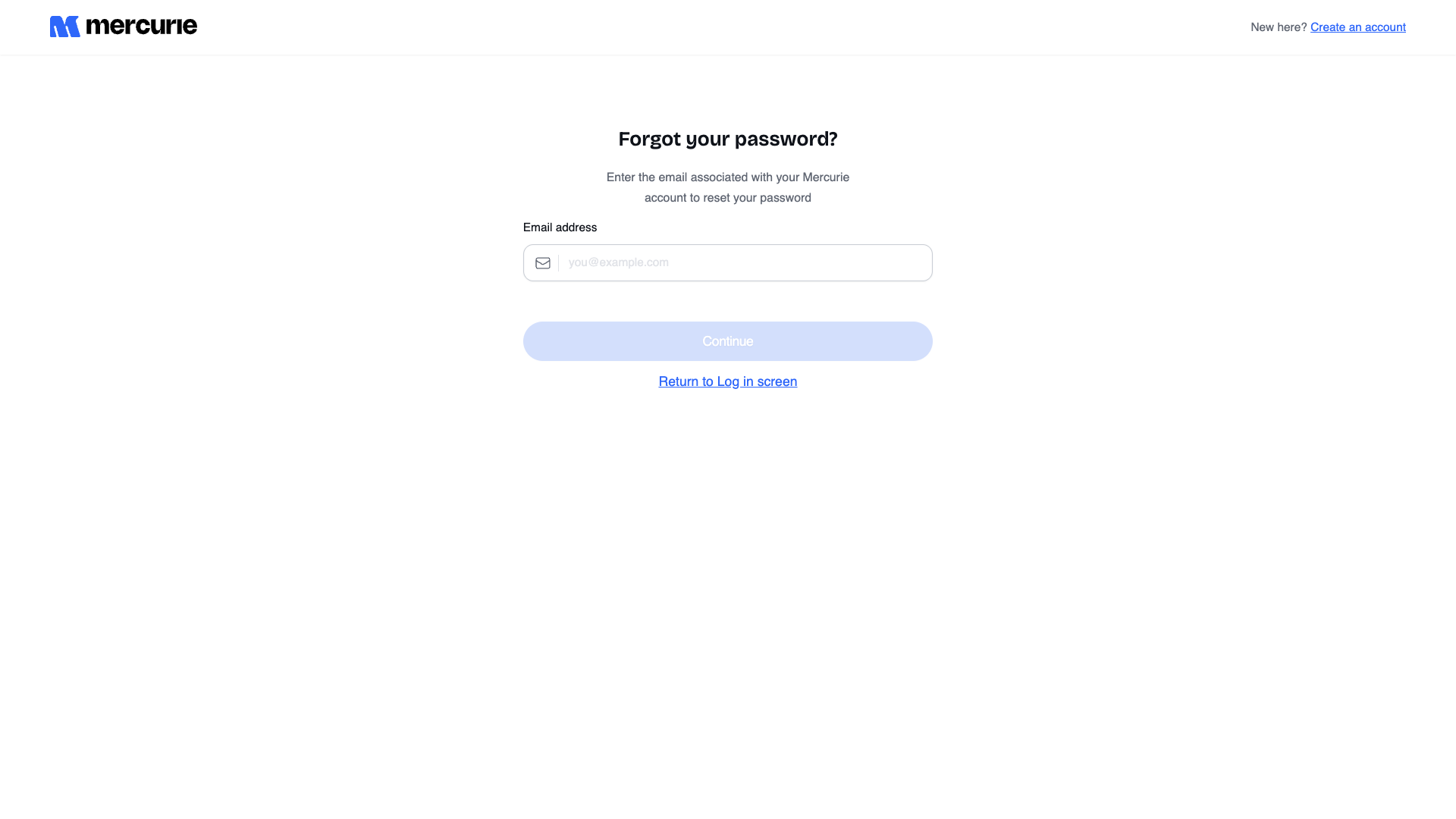
- Type the email address on the account.
- Click Continue.
Mercurie sends a reset link to that inbox within a few seconds. The link is valid for 15 minutes and can only be used once.
If you enter an email that has no account, the page still shows a success state — we don't reveal which addresses are registered. Check your inbox; if no email arrives, the address probably isn't on file.
Set the new password
- Open the email titled "Reset your Mercurie password".
- Click Reset password. The link opens a new tab on
mercurie.ng. - Enter the new password twice. Requirements:
- At least 8 characters.
- At least one uppercase letter.
- At least one number.
- Click Set new password.
You're redirected to the log-in screen with a confirmation banner. Sign in with the new password.
Common issues
| Symptom | Likely cause | Fix |
|---|---|---|
| Reset email never arrives | Address not on file, mail rejected, or it landed in spam. | Check spam first. Then try the email you actually used at signup — it's often a shared finance address, not your personal one. |
| "Reset link expired" when you click it | The link is older than 15 minutes, or it was already used once. | Repeat the reset flow — request a fresh link. |
| New password rejected with "Password too weak" | Doesn't meet the 8+ chars / uppercase / number requirement. | Use a passphrase (e.g. Mercurie-finance-2026) — it satisfies all three rules at once. |
| Reset works but new password doesn't log you in | Session caching from a half-completed previous attempt. | Hard-refresh the log-in page (Cmd+Shift+R / Ctrl+Shift+R) and retry. |
| You signed up with Google, not email | Google-signed-up accounts have no local password to reset. | Use Continue with Google on the log-in screen — the password reset flow doesn't apply to your account. |
Lost access to the email entirely?
If the inbox the account was created on is gone (employee left, domain expired, mailbox deleted), the self-service reset can't help. Open a ticket from any Mercurie page's Support link and include:
- The business name on the account.
- The old email address.
- A new email you control, on the same domain (or a domain we can verify against your CAC certificate).
Ops will verify and migrate the account email manually.